Anouncement

Anouncement
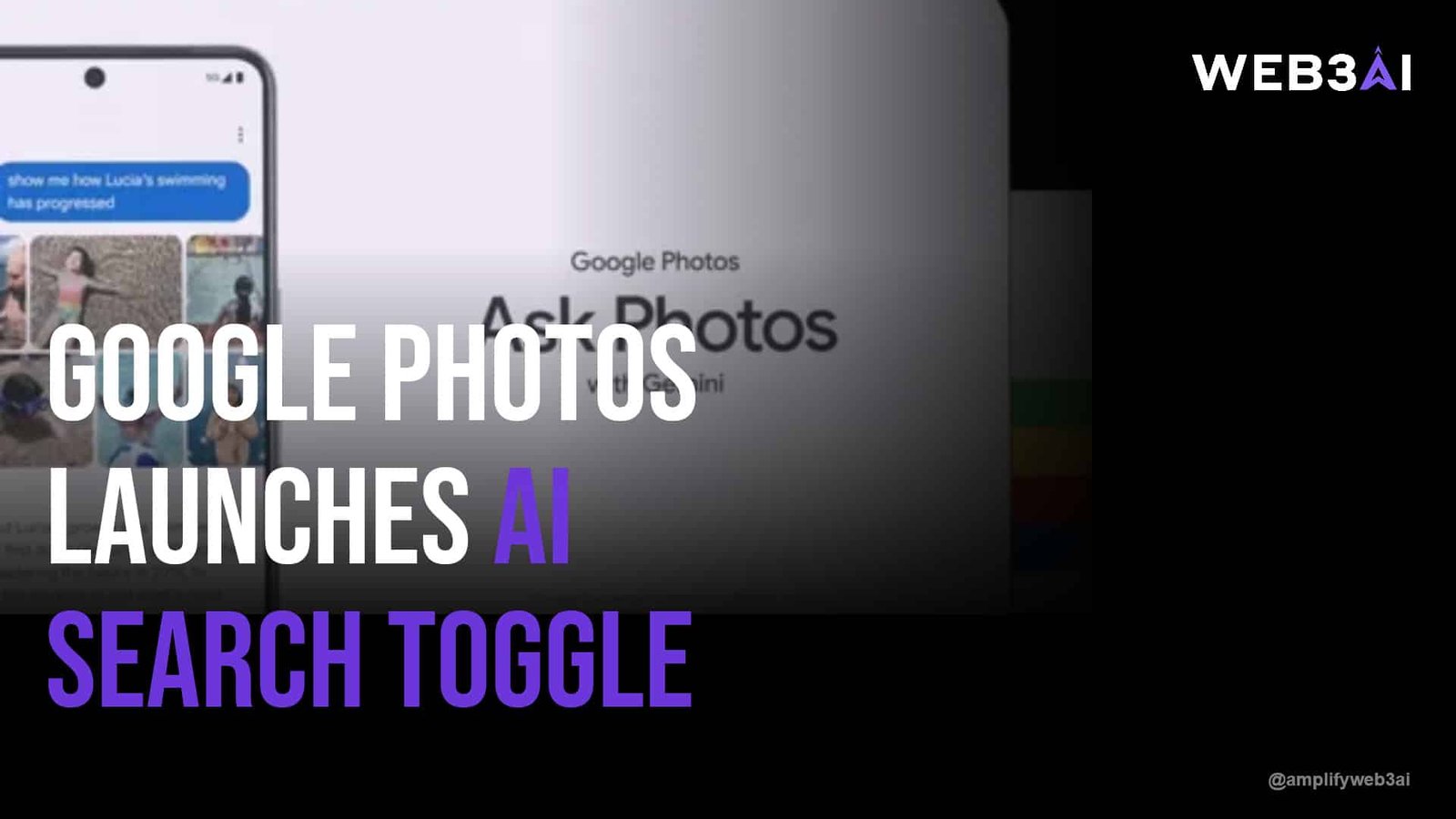

AI powered photo search just became a lot more visible to everyday users, thanks to a small but meaningful update from Google Photos. The app now lets you quickly toggle between its newer AI-driven search and the classic keyword-based search you have used for years. If you have ever typed “beach sunset dog” into Google Photos and gotten strange results, this update is aimed directly at you.
This shift is part of a much bigger story. As MIT Technology Review recently explored, generative AI is reshaping how we search for everything, not just photos. Search is quietly becoming conversational, contextual, and predictive — and your camera roll is one of the first places this change is landing.
Many of us have felt that low-grade frustration of scrolling endlessly through thousands of photos looking for “that one picture” from three years ago. This post breaks down what changed in Google Photos, why AI powered photo search matters beyond one app, and how to make the most of it starting today.
Google Photos previously forced users into whichever search experience Google decided to roll out. The new toggle changes that dynamic entirely. Users can now flip between the AI-enhanced search and the older, more predictable classic search with a single tap.
The AI version leans on natural language processing to understand more conversational queries. Instead of just matching keywords, it tries to understand intent — so a search like “photos of my daughter laughing outdoors” returns more relevant results than a literal keyword match would.
The classic search, meanwhile, still relies on tags, dates, and metadata. For users who know exactly what they are looking for — a specific date, location, or file type — this can actually be faster and more precise than letting an AI model guess your intent.
This update is not really about Google Photos alone. It is a signal of where consumer AI is heading across every app we use daily. Search boxes everywhere are quietly becoming smarter, more contextual, and increasingly powered by large language models.
We have covered this broader shift in detail in our piece on how AI is changing everyday apps in 2025. The pattern is consistent: apps that once relied on rigid filters and tags are being layered with AI models that understand nuance, tone, and context.
For everyday users, this means less time spent guessing the “right” keywords and more time simply describing what you want in plain language. That is a real usability win, even if it sounds like a small feature update on the surface.
Pro Tip: Try describing a photo the way you would describe it to a friend, rather than using single keywords. AI powered photo search tends to perform better with natural phrasing.
Getting good results from AI powered photo search is partly about adjusting how you phrase your queries. Instead of typing “dog park,” try “my dog running in the park last summer.” The added context gives the AI more to work with.
It also helps to understand when to switch back to classic search. If you already know a photo was taken on a specific date or in a specific album, classic search’s structured filters will likely get you there faster than a conversational query.
If you are new to AI tools in general and want a gentler starting point, our beginner’s guide to AI tools for everyday life is a great next stop after this article.
Whenever AI starts analyzing personal content like photos, privacy questions follow — and they should. AI powered photo search requires the underlying model to process visual and contextual data from your images to understand what is in them.
Google has stated that this processing happens with privacy safeguards in place, but it is still worth understanding what data is being used and how. Many users simply are not aware that toggling to AI search may involve different data handling than the classic keyword-based approach.
Being an informed user does not mean avoiding these tools. It simply means understanding the tradeoff between convenience and data usage, and choosing what feels right for you.
Google Photos giving users a toggle — rather than forcing one experience — is a notable design choice. It suggests that even major tech companies recognize AI is not always the better option for every single user or every single task.
This “AI plus classic” hybrid model is likely to become the norm across other apps and platforms. Search, editing, and organization tools will probably continue offering an AI-enhanced mode alongside a traditional one, at least for the next few years.
For those curious about which AI tools are worth paying attention to as this trend accelerates, our roundup of top AI productivity tools to watch in 2025 covers several tools following this same hybrid philosophy.
Pro Tip: When trying a new AI powered photo search feature, test it on a small, familiar batch of photos first so you can judge accuracy before relying on it for larger searches.
AI powered photo search uses machine learning models to understand natural language queries and image content, rather than relying only on tags or file names. It allows you to search using conversational phrases instead of exact keywords.
Currently, this feature is rolling out primarily through the Google Photos app on Android and iOS. Availability may vary depending on your region and app version.
Classic search relies on structured data like dates, file names, and manually applied tags. AI powered photo search instead interprets the meaning behind your query, allowing for more flexible, natural language results.
AI powered photo search does require some level of image and metadata analysis to function. Most major providers apply privacy protections, but users should still review app settings to understand exactly what data is processed.
Not necessarily. Many apps, including Google Photos, are choosing a hybrid approach that lets users toggle between AI and classic search depending on their needs and preferences.
AI powered photo search is a small feature on paper, but it reflects a much larger shift happening across the apps we use every day. As AI models get better at understanding context and natural language, the tools we rely on will keep evolving to meet us where we already are — talking, not just typing keywords.
Whether you lean on the new AI search or stick with the classic version, understanding how these systems work puts you in a better position to use them wisely. Explore what we have built at attn.live.