Anouncement

Anouncement

If you’ve been trying to figure out how to change your Gmail username, you’re not alone — millions of people hit this wall every year and walk away confused. Maybe you created your account as a teenager, your name has changed, or you simply want something more professional. Whatever your reason, the situation is more nuanced than a simple settings toggle, and understanding exactly what Google allows (and what it doesn’t) will save you a serious headache.
Google’s email platform has over 1.8 billion active users worldwide, and the question of identity management is one of the most searched Gmail topics every single year. According to Wired’s deep-dive on Gmail tips and productivity, most users dramatically underestimate how locked-in their Google identity becomes over time — making early account decisions surprisingly hard to reverse. The good news is that you do have meaningful options, and this post walks through every single one of them.
In this guide, you’ll learn what Gmail actually lets you change, how to set up a display name, how to create a fresh account the right way, and how modern digital identity is evolving beyond a single inbox address.
Before diving into the how-to, it helps to understand what you’re actually dealing with. Your Gmail username is the part before the “@gmail.com” — for example, yourname in yourname@gmail.com. This string is baked into your Google Account and serves as your login credential across every Google product you use, from Drive to YouTube to Google Pay.
This is why Google treats it as near-permanent. Changing it isn’t like swapping a profile picture — it would cascade across your entire account history, linked services, and any messages that have ever been sent to that address. Other platforms face the same challenge, which is precisely why digital identity is becoming one of the most important conversations in tech right now.
Understanding this distinction — between your display name and your actual username — is the key that unlocks your real options. Most people discover they can solve 80% of their problem simply by changing what others see, rather than changing the underlying address itself.
Pro Tip: Before creating a new Gmail account, export and back up all your important emails from your current account using Google Takeout at takeout.google.com. This keeps your data safe no matter what you decide.
The short answer is: no, you cannot change your Gmail username after it has been created. Google made this design decision deliberately, and it has remained consistent across multiple product updates. Once you claim an address, it belongs to your account permanently — and if you ever delete the account, that username enters a long hold period before anyone else can claim it.
This is frustrating, but it’s not the dead end it appears to be. Google offers two meaningful workarounds that cover the majority of real-world use cases: changing your display name (what people see in their inbox) and creating a brand-new Google Account with the username you actually want. Both approaches have clear pros and cons worth weighing carefully before you act.
There is also a third option — Google Workspace — which does allow administrators to change usernames within a managed domain. If you’re running a small business or organization on Google Workspace, your admin has tools that personal Gmail accounts simply don’t offer.
If your goal is simply to look more professional in people’s inboxes, changing your display name is the fastest and most painless route. This is the name that appears in the “From:” field when you send an email — completely independent of your underlying @gmail.com address. Here’s how to do it:
This change takes effect immediately for all outgoing emails. Recipients will see your new display name without any indication that your underlying address has stayed the same. For most personal and professional use cases, this completely solves the problem without the disruption of switching accounts.
Pro Tip: You can add multiple “Send mail as” aliases in Gmail settings, letting you send from different display names or even different email addresses — all from a single inbox. This is especially useful for freelancers managing multiple client personas.
If changing your display name isn’t enough — maybe you want your new name to appear in your actual email address — then creating a new Google Account is the most reliable path forward. This is also the best option if your current username is genuinely embarrassing or completely misaligned with your professional identity.
The process itself is simple: visit accounts.google.com/signup and follow the prompts. The challenge isn’t the signup — it’s the migration. You’ll need to:
The migration process can take anywhere from a few hours to a few weeks depending on how embedded your old account is in your digital life. Plan it carefully rather than rushing, and keep both accounts active simultaneously for at least 90 days to catch any stragglers.
If you or your organization uses Google Workspace (formerly G Suite), a Workspace admin genuinely can change a user’s username — something that simply isn’t possible on standard personal Gmail accounts. This is one of the most compelling reasons small businesses and creators are moving toward managed Google environments.
To change a username in Google Workspace, the admin navigates to the Admin Console, selects the user, and edits their primary email address directly. The old address can be retained as an alias so existing emails still arrive. This is close to a seamless experience and is well worth exploring if you’re operating at any kind of professional scale.
Beyond username flexibility, Workspace also offers significantly better admin controls, storage management, and collaboration features. If you find yourself constantly wrestling with the limitations of free Gmail, upgrading to Workspace might solve more than just the username problem. The investment often pays for itself quickly in saved time and reduced friction.
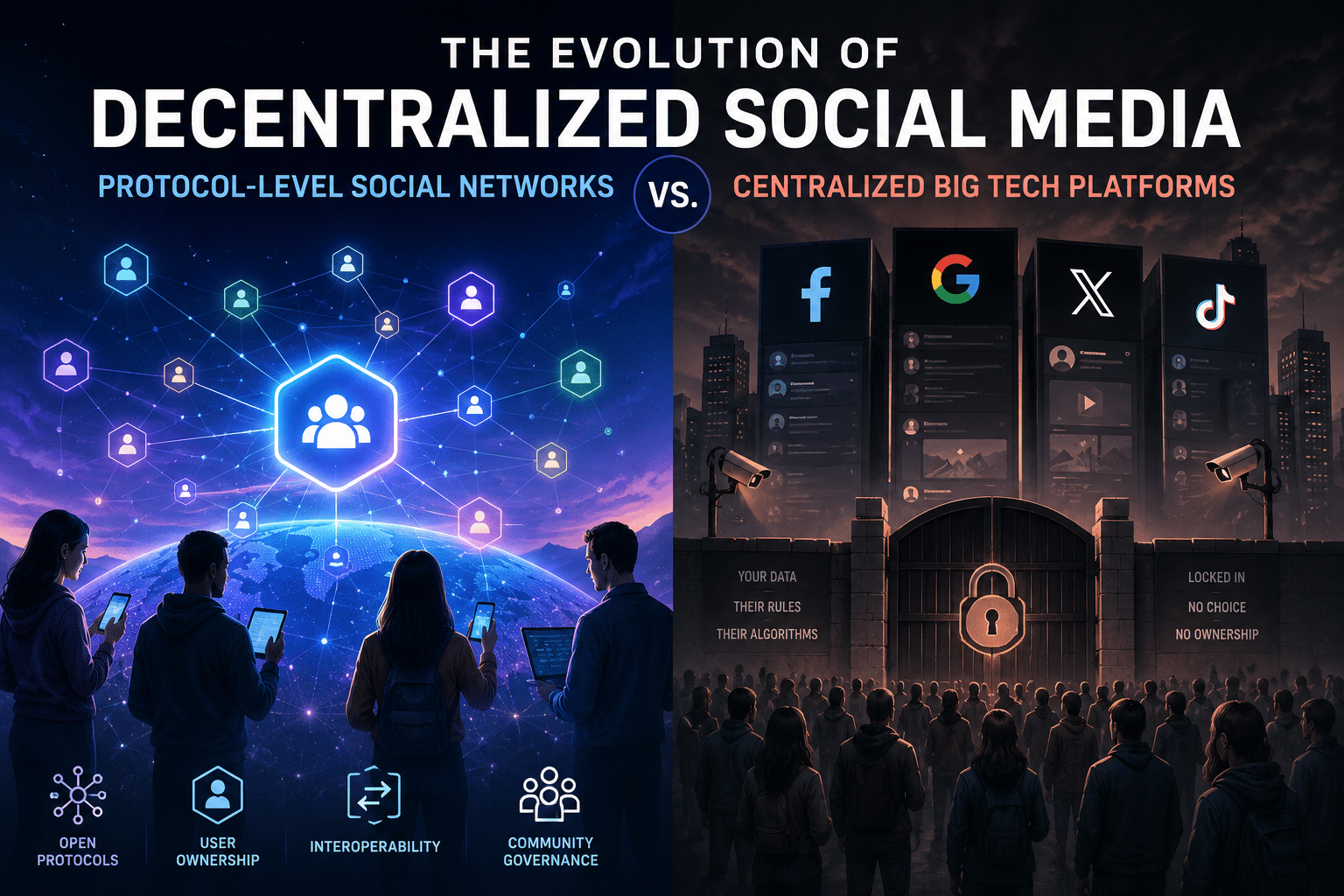
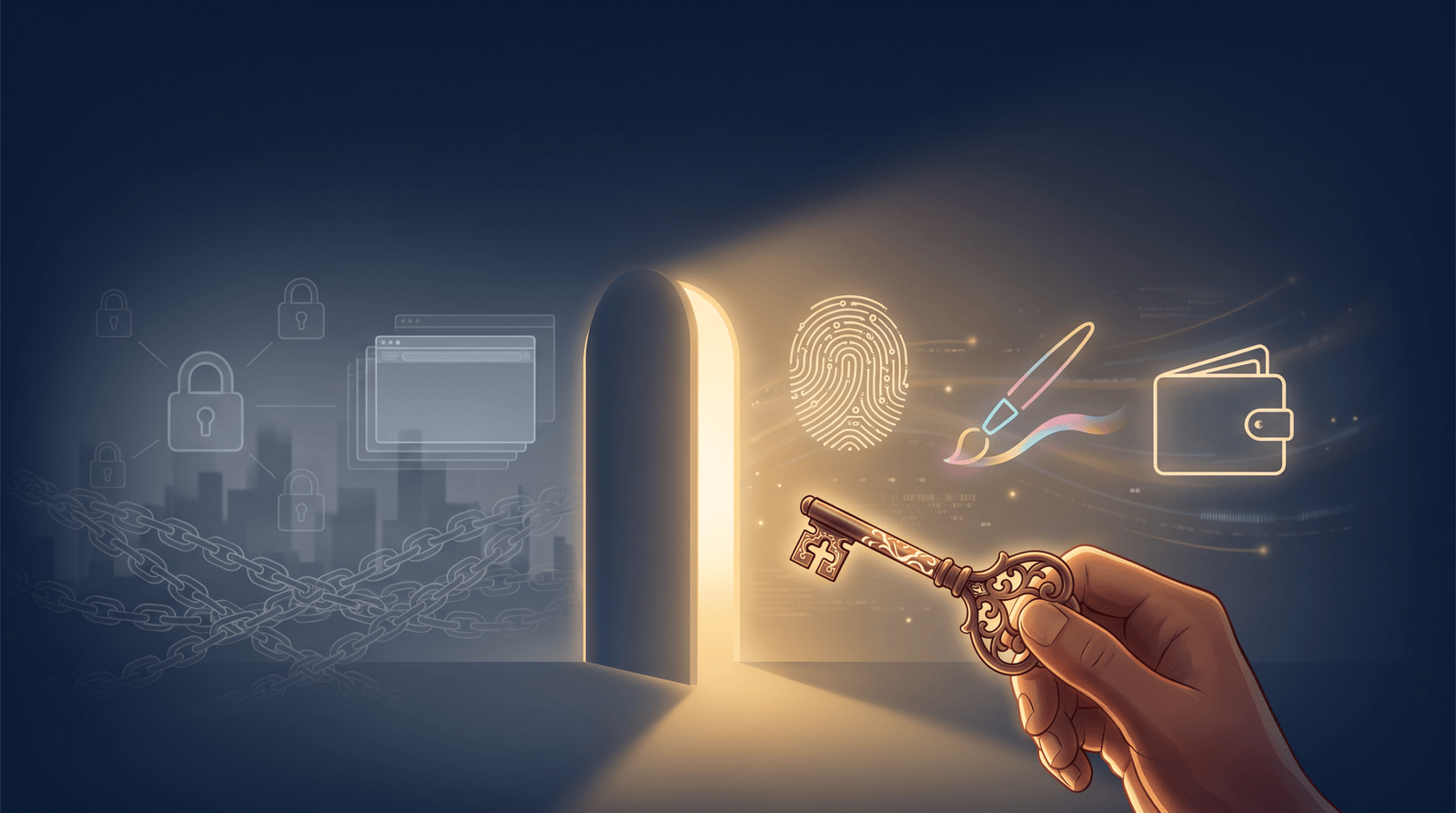
Here’s the bigger picture worth considering: the frustration of trying to change your Gmail username points to a fundamental limitation of centralized identity systems. When a single company controls your username, your login, and your communication history, you’re operating inside someone else’s infrastructure — on their terms.
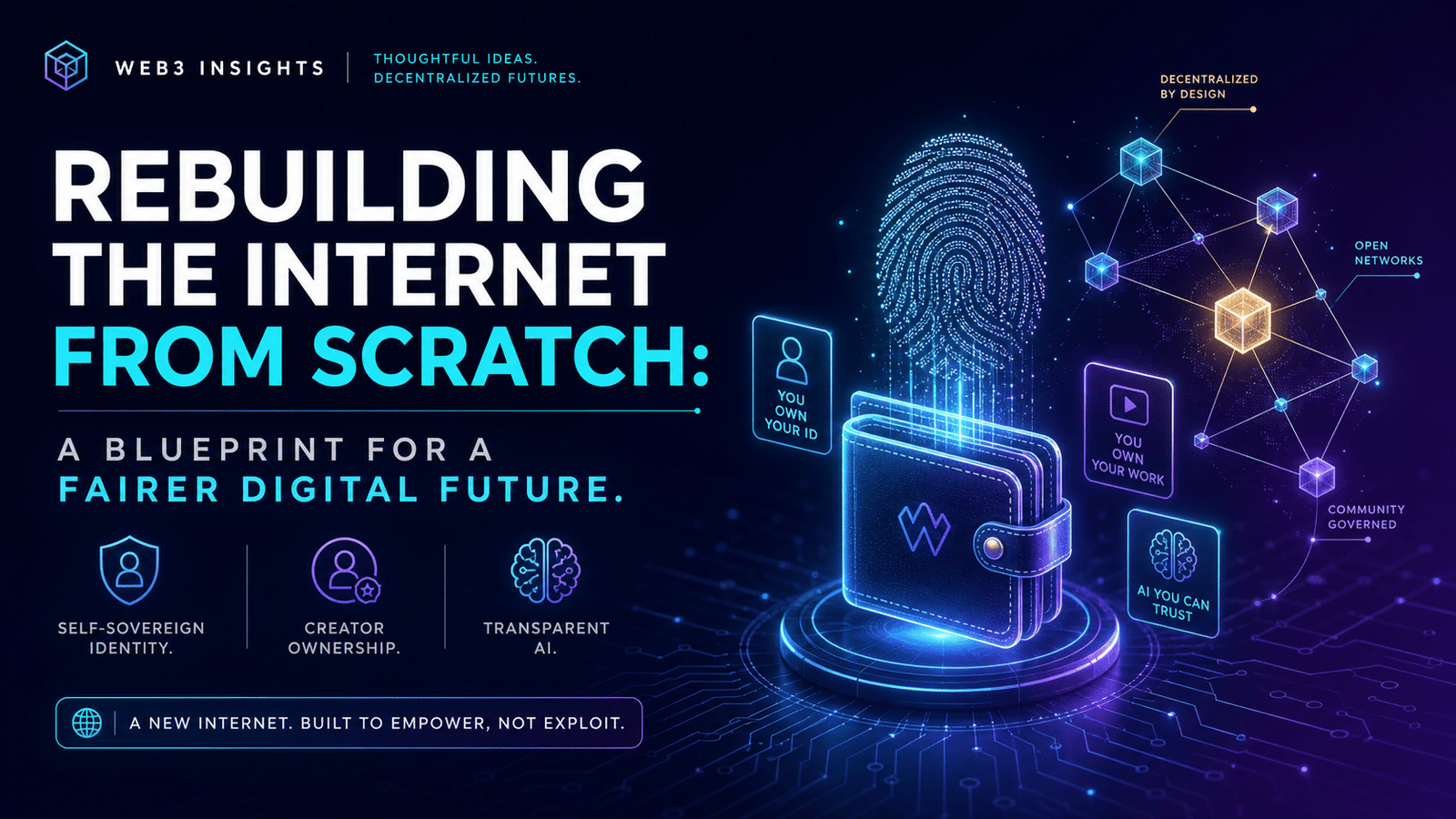
This is one of the core problems that Web3 technologies are designed to address. Decentralized identity systems give individuals ownership over their credentials, their data, and their digital presence in ways that legacy platforms like Gmail simply weren’t built to support. As platforms evolve, the idea of a portable, user-owned identity is moving from niche concept to practical reality.
Understanding why you can’t easily change your Gmail username is actually a great entry point into understanding why decentralized alternatives are gaining traction. The limitations aren’t a bug in Gmail’s design — they’re a feature of centralized architecture. And that architecture has trade-offs worth knowing about.
For a deeper look at where communication tools are headed, explore our coverage of the future of email in a decentralized world — it puts the Gmail username problem into a much broader and more interesting context.
No — Google does not allow you to change your Gmail username on a standard personal account. The username (the part before @gmail.com) is permanently tied to your Google Account from the moment of creation. Your best alternative is to change your display name in Gmail settings, which changes what recipients see without altering your actual address.
If your account is managed through Google Workspace, a Workspace administrator can change your primary email username through the Admin Console. The old username can typically be retained as an alias so existing emails continue to arrive. This option is not available on free personal Gmail accounts.
No — changing your display name in Gmail settings only affects how your name appears in the “From:” field of emails you send. Your underlying @gmail.com address and your Google Account login credentials remain completely unchanged. It’s a cosmetic change that doesn’t touch your account structure at all.
Your old Gmail address remains active and fully functional as long as you keep the account open. You can set up forwarding from the old address to the new one so emails sent to your old address automatically appear in your new inbox. It’s best practice to keep both accounts active for at least 90 days during any transition period.
You can change your display name using the Gmail mobile app — go to Settings, tap your account name, then select “Manage your Google Account” and edit your name under the Personal Info tab. However, changing your actual Gmail username is not possible on mobile or desktop for personal accounts, as this limitation is account-level, not device-level.
The closest free option is to create a new Gmail account with your preferred username and set up forwarding from your old account. You won’t lose any emails — everything sent to your old address will forward to your new one. The main effort is updating your email address across all the services and contacts that matter to you.
The reality of trying to change your Gmail username is that Google locks it in by design — but you have more practical options than most people realize. Changing your display name is fast, free, and solves most professional image concerns immediately. Creating a new account gives you the username you actually want at the cost of a deliberate migration. And Google Workspace unlocks genuine username changes for those operating in a managed environment.
Beyond the tactical fixes, this challenge is a useful reminder of how much of our digital identity sits on infrastructure we don’t own or control. As Web3 tools and decentralized platforms mature, that dynamic is beginning to shift — and staying informed about those changes is worth your time. Whether you’re solving a simple Gmail problem today or thinking about your long-term digital presence, the decisions you make about identity online matter more than ever.
Explore what we have built at attn.live.